
Creating a new Persona
Select Personas from the main menu;
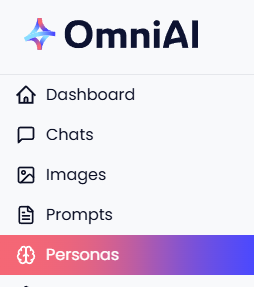
Click '+ New Persona' and the create pop up will be presented - this video shows you what to do next;
IN SUMMARY!
- The Instructions field tells the AI what to do - this is where you write the detailed instructions for how the AI should behave, respond, or what role it should play. It directly shapes the AI’s responses and personality
| Be as detailed as you need—the more context, the better the results |
| Look at existing personas for inspiration |
| You can always edit your instructions later to refine the persona - explore how different instructions change the AI’s responses! |
Example - 'Act as a branding expert. Give creative, actionable advice for building a strong brand identity. Use a confident, encouraging tone'
2. The Description field tells users what the persona is for - this is a short summary that explains what your persona does and what makes it unique. It helps you (and others) quick understand the persona’s purpose at a glance.
| Keep it brief—1-2 sentences is perfect |
| Focus on what makes this persona helpful or different |
| Use clear, inviting language. |
Example - 'Provides creative branding advice to help businesses stand out and connect with their audience'
TOP TIP - New to creating personas? Try the Persona Creation Prompt Template!