
Adding a Prompt to your Prompt Library
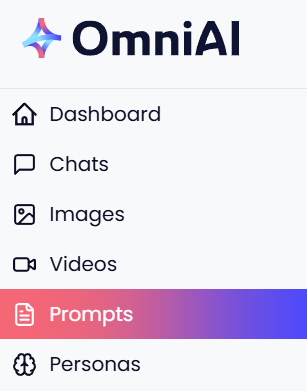
Click the ‘Prompts’ link in the main menu to open your Prompt Library;
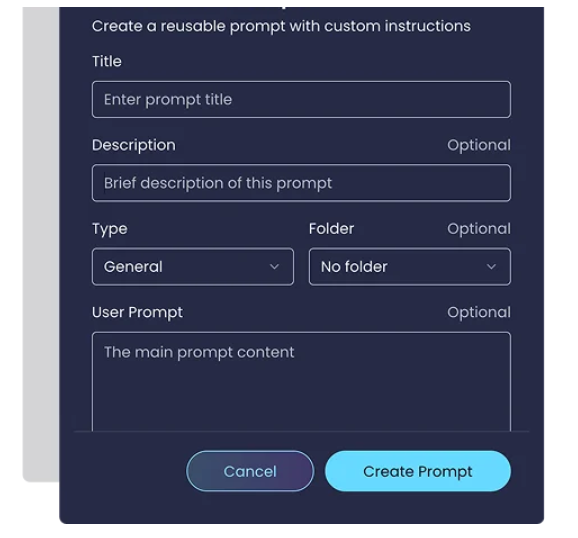
Next click ‘+New Prompt’ button to open the Create New Prompt pop up and simply fill in the boxes with your prompt details;
For more detailed instructions, here’s a link to our Prompt Library Step-By-Step Guide.