
How do I create a video?
Creating professional looking videos for your business is traditionally VERY expensive
The new AI video tools have completely changed that
By using the video tools in Omni AI, such as Veo 3 and Sora 2, you will soon be creating pro looking, polished videos for your business or personal needs
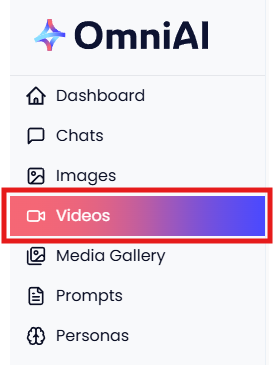
Get started by clicking 'Videos';
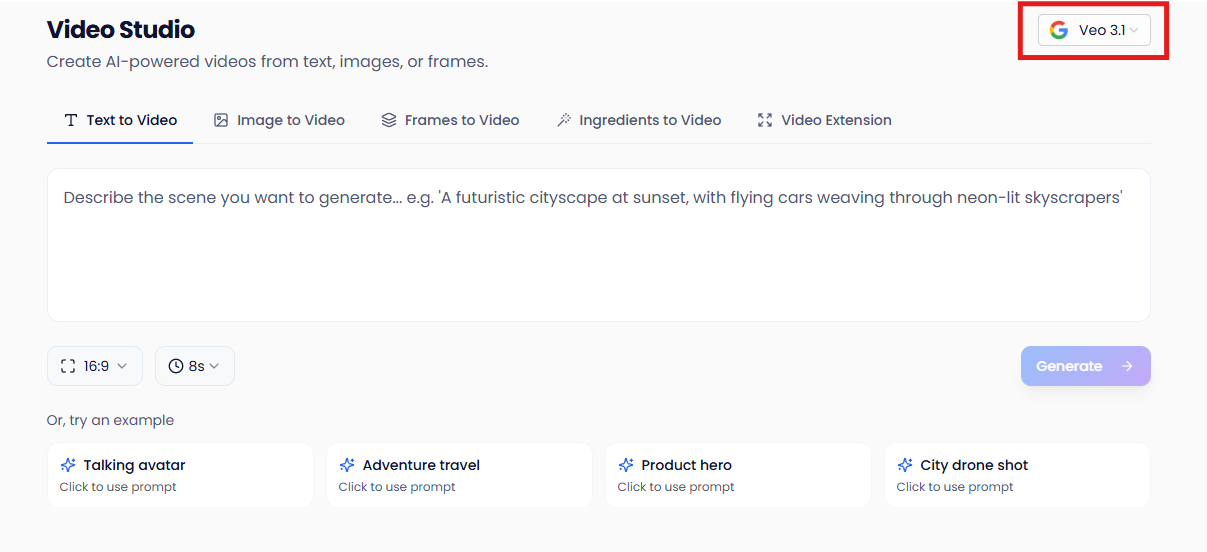
Select which AI Model to use and then which of the 5 options you want use to generate your video;

Text to Video - Describe in words the scene you wish to generate
Image to Video - Add a start image and then add your text to describe how the image should animate
Frames to Video - Add a start and end image, and then add your text to describe how the scene should transition from the first image to the last (for example, smooth transition or time lapse)
Ingredients to Video - Upload up to 3 reference images (ingredients) to influence the style, characters, or objects in your generated video, and then describe in text the scene you want to create
Video Extension - Extend any of your Veo-generated videos by 7 seconds (videos must be 16:9 landscape, under 141 seconds, and extended within 48 hours of generation)