Accessing Your Generated Images
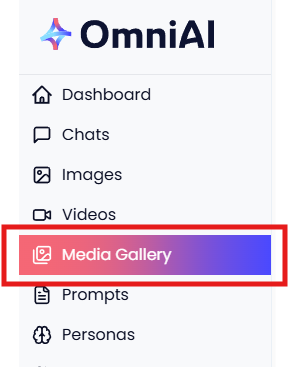
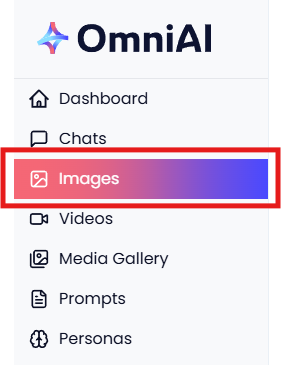
Every image you generate in Omni AI is automatically saved in two places: In Images and your Media Gallery.
Images: Scroll down on the Images page to find your previously generated images. Each one is stored alongside the model used and the original prompt, making it easy to revisit or replicate a result.
Media Gallery: For a full overview of everything you've created, head to your Media Gallery. Here you can browse and manage all your generated images, videos, and uploaded files in one place.